










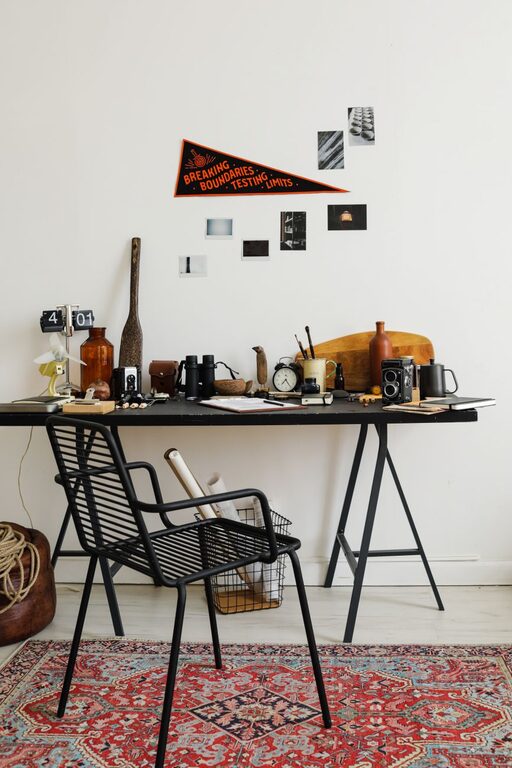
A fresh, organized workspace can boost your productivity and mood. But when you’re busy, spending hours cleaning or reorganizing isn’t always possible. The good news? You can refresh your workspace in just ten minutes with a few simple steps. Whether you work from home or in an office, these quick tips will help you create a more inviting and efficient space.
1. Clear the Surface
Start by removing everything from your desk or work area. This includes papers, gadgets, coffee cups, and miscellaneous items. Wipe down your desk with a damp cloth or use disinfecting wipes to remove dust and grime. A clean surface instantly improves the overall feel of your space.
2. Declutter With Purpose
Take a moment to sort through the items you removed. Ask yourself:
– Do I use this daily or weekly?
– Does this item belong here?
– Is this paper important, or can it be recycled?
Keep only the essentials nearby. Store or file paperwork you need to keep, and toss what’s unnecessary. Decluttering makes your workspace feel less chaotic and helps you focus better.
3. Organize Cables and Electronics
Tangled cords and scattered devices often add to workspace clutter. Use cable clips, ties, or a simple twist tie to bundle cords neatly. Arrange your devices—like your phone, tablet, or headphones—in a designated spot or charging station. This not only looks tidier but also protects your equipment.
4. Add a Touch of Green
A small plant can do wonders for your workspace. It adds color, improves air quality, and creates a calming atmosphere. If you don’t have a live plant, a small artificial one works just as well and requires zero maintenance. Place it where it won’t get in the way but where you can enjoy the view.
5. Improve Lighting
Proper lighting can reduce eye strain and boost alertness. Open blinds or curtains to let in natural light if possible. If your space is dim, switch on a desk lamp or reposition your lighting to brighten up your work area. Even just a quick adjustment can lift your mood and energy.
6. Personalize with Intent
Add one or two personal items that inspire or motivate you. This might be a photo, a favorite mug, or artwork. Avoid overcrowding; the goal is to make your space feel inviting without adding clutter. Changing up these items occasionally can keep your workspace feeling fresh.
7. Refresh Your Chair and Accessories
Check your chair and other accessories for comfort. Quickly adjust your chair height or reposition your monitor so you’re set up ergonomically. If you have a cushion or wrist rest, straighten or replace it. Small tweaks can make a big difference in how comfortable and productive you feel.
8. Take a Deep Breath and Reset Your Mind
Once your workspace looks refreshed, take a moment to clear your mind. Sit back, take a few deep breaths, and visualize the work ahead. This mental reset can help you feel more prepared and focused as you get back to your tasks.
—
Quick Ten-Minute Workspace Refresh Checklist
– Clear and wipe desk surface
– Sort and declutter items
– Tidy cables and electronics
– Add a plant or greenery
– Adjust lighting for brightness
– Personalize with one or two items
– Adjust chair and accessories
– Take a moment to breathe and reset
—
Why Refreshing Your Workspace Matters
A cluttered or uninspiring workspace can cause distractions and reduce motivation. Taking just a few minutes to refresh your environment can:
– Improve concentration and focus
– Reduce stress and anxiety
– Increase your sense of control and organization
– Inspire creativity and motivation
By spending ten minutes on your workspace regularly, you create a habit that supports your productivity and well-being over time.
—
Refreshing your workspace doesn’t have to be a big project. With these easy tips and a little bit of time, you can create a space that feels welcoming, organized, and ready for whatever the day brings. Try setting a timer and giving your workspace a quick refresh today—you might be surprised how much of a difference it makes!